
Download Remini – AI Photo Enhancement, Photo Restoration, Low-Quality Photo Repair
Overview
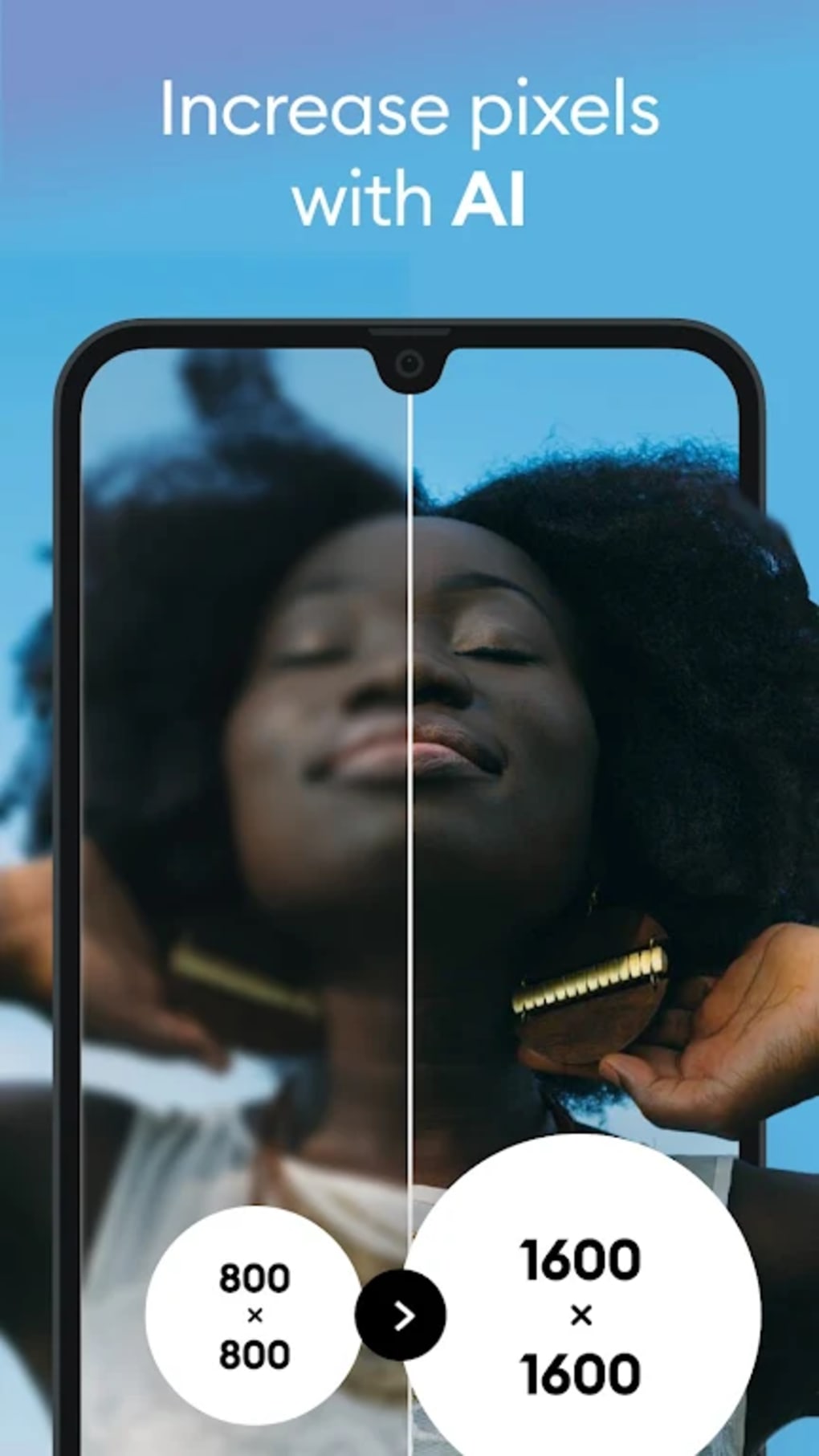
Remini is a photo enhancement and restoration tool developed by Fengkun, designed to improve the clarity and definition of low-quality, blurry, or damaged images. The software specializes in revitalizing photos taken with older cameras or mobile phones, making it particularly useful for digitizing personal archives or enhancing amateur snapshots. It leverages advanced AI technology to deliver real-time enhancements, transforming grainy or compressed images into sharper, higher-resolution visuals. The app is tailored for casual users and photography enthusiasts who seek quick, accessible results without the complexity of traditional editing software.
Remini addresses common challenges such as poor image resolution, motion blur, and compression artifacts, making it ideal for users preparing old family photos for social media sharing or digital preservation. Its core functionality focuses on automatic enhancement, requiring minimal user input. The software supports multiple languages, including English, Hindi, Japanese, Korean, Portuguese, Russian, Simplified and Traditional Chinese, Spanish, and Thai, ensuring broad accessibility. Since its 2019 launch, Remini has processed over ten million photos, reflecting its growing popularity among users seeking efficient visual upgrades.
Key Features & Capabilities
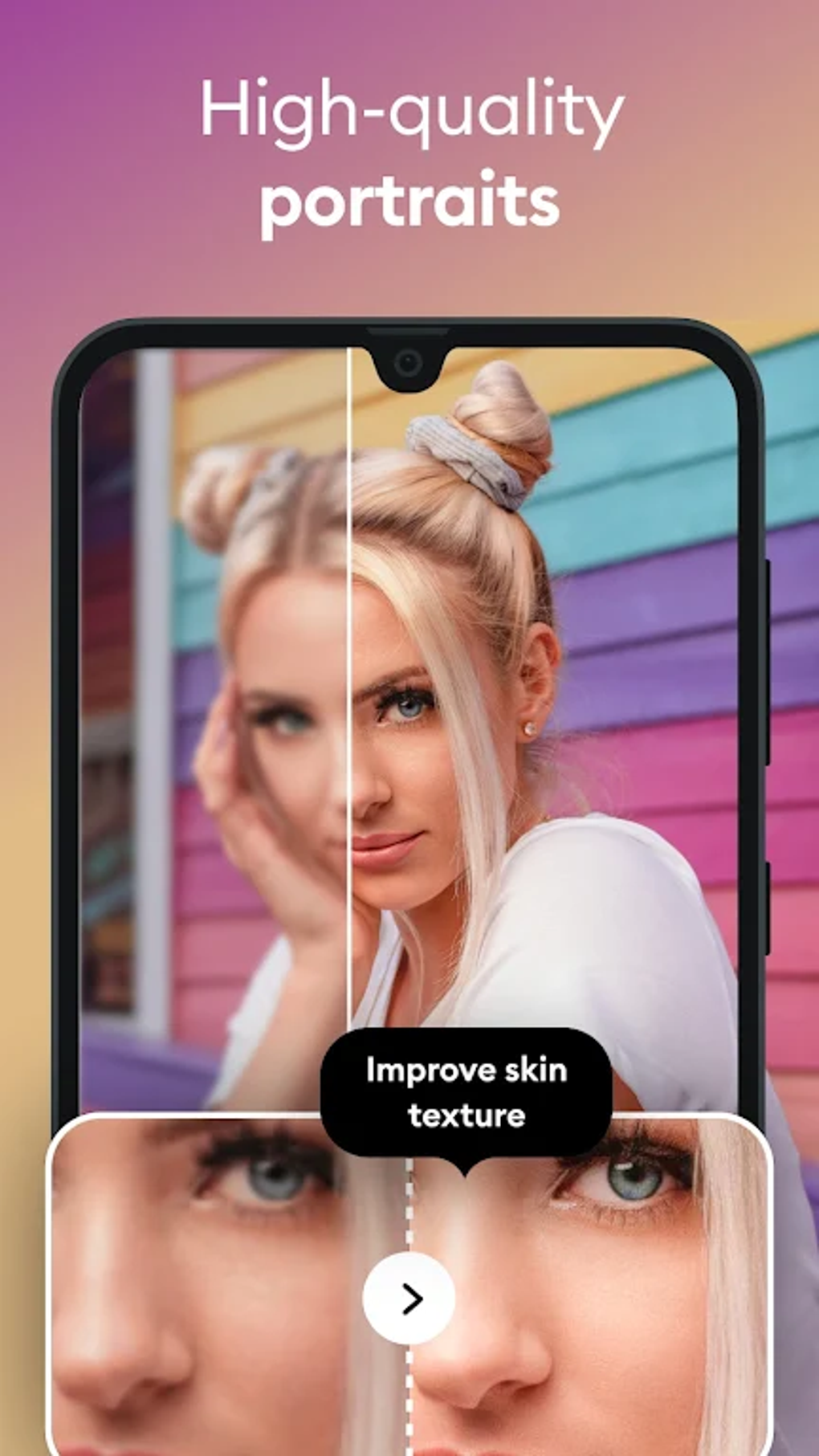
- AI-Powered Image Enhancement – Automatically sharpens blurry or low-resolution photos using deep learning algorithms to restore details and textures.
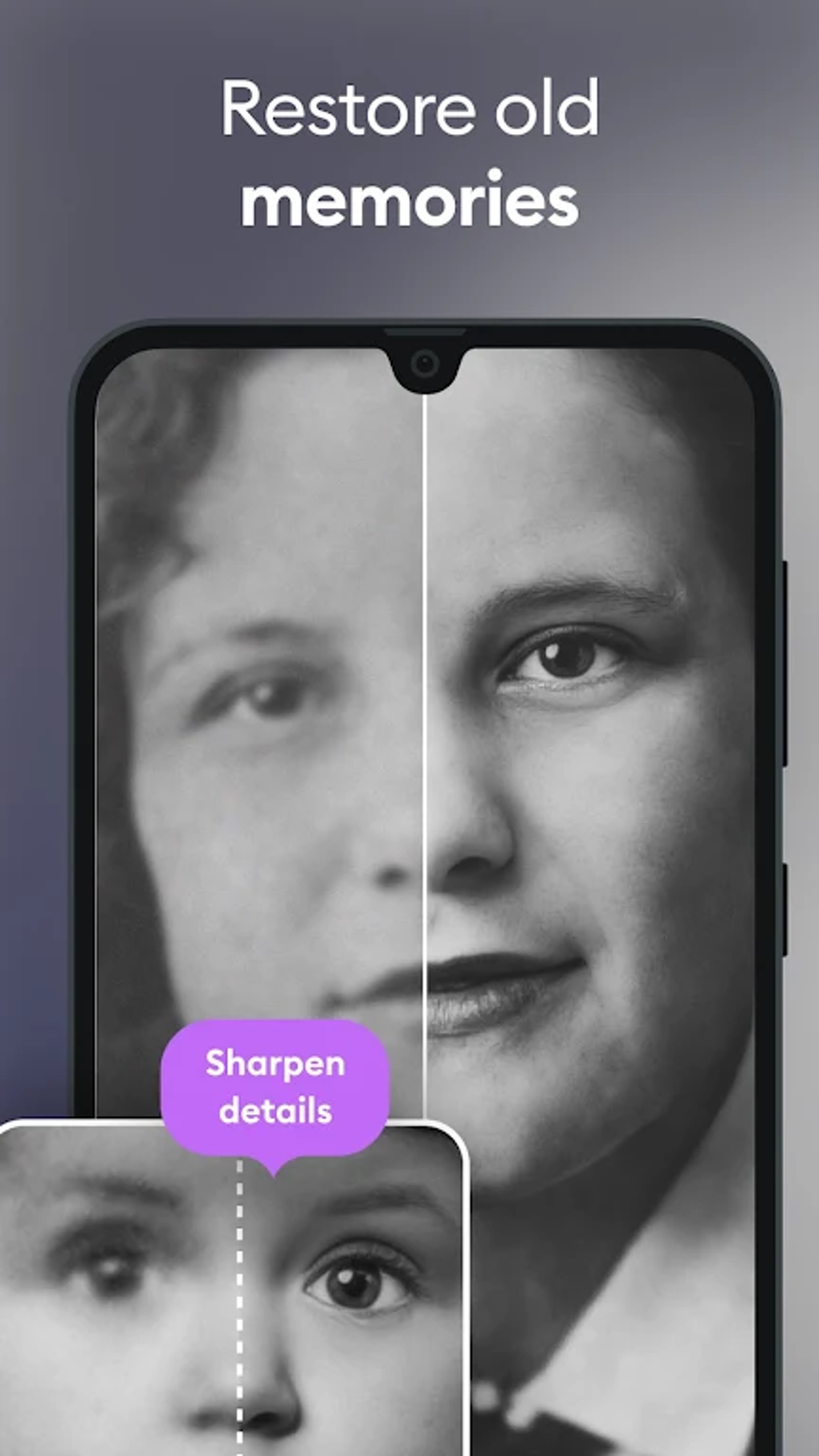
- Photo Restoration – Focuses on repairing damaged or degraded images, particularly those from older cameras or poorly compressed sources.
- Selfie+ Mode – Enhances selfies taken in low-light conditions by improving brightness, contrast, and facial clarity without overexposure.
- Video Clarity Improvement – Applies AI-based enhancement to video clips, increasing definition and reducing blur during playback.
- Aspect Ratio Adjustment – Allows users to modify the frame dimensions of images for better display compatibility on modern devices.
- Image-to-Portrait & GIF Conversion – Offers creative editing options, transforming photos into artistic styles or animated formats.
These features are especially beneficial for users managing personal photo collections, preparing nostalgic images for social media, or improving the visual quality of mobile-captured content. The workflow is streamlined, with most functions triggered through a single tap, reducing the need for technical expertise. However, access to advanced editing tools like style conversion and GIF creation is limited to the Pro version, which may affect user satisfaction for those seeking broader functionality.
User Interface, Workflow & Performance
Remini features a clean, intuitive interface designed for minimal user effort. Navigation is straightforward, with a central dashboard that presents key functions such as “Enhance,” “Selfie+,” and “Gallery” in a visually uncluttered layout. The workflow emphasizes simplicity: users select a photo, choose an enhancement mode, and apply the effect with one tap. This approach significantly lowers the learning curve, making it accessible to non-technical users.
Performance observations are based on general software behavior patterns. The app operates efficiently on mobile devices, though exact resource usage details were not specified. Some users have reported inconsistent processing times and occasional freezing during enhancement, particularly with larger files. Stability may vary depending on device capabilities and background processes. The developer did not provide additional system requirements or performance benchmarks, so users should expect variable results based on individual hardware.
Compatibility & System Requirements
Remini is available on both Android and iOS platforms, as noted in the provided information. The software is designed for mobile operating systems, ensuring compatibility with smartphones and tablets. Installation size and hardware requirements were not specified by the developer. Platform compatibility information is limited to the mention of Google Play and the App Store. The developer did not provide exact system requirements or details about supported device models.
Pros and Cons
Pros
- AI-driven enhancement delivers visible improvements to low-quality images
- Simple, user-friendly interface with minimal learning curve
- Effective for restoring old or damaged photos and videos
- Supports multiple languages, increasing global accessibility
- Optimized for mobile devices with fast processing for basic edits
Cons
- Advanced features like style conversion and GIF creation require a Pro subscription
- Free version limits users to only three enhancements per day
- Some users report inconsistent processing times and occasional freezing
- Limited manual editing controls, reducing flexibility for experienced users
- Face enhancement sometimes results in uneven focus, with blurred backgrounds
FAQ Section
Is Remini available for desktop computers?
Based on the provided information, Remini is currently available on mobile platforms through Google Play and the App Store. No desktop version was mentioned.
Is Remini safe to use?
Remini is designed for mobile devices and operates within standard app security protocols. The developer did not specify additional security measures, but it is distributed through official app stores, which typically enforce safety checks.
How often can I use the free version?
The free version allows users to enhance three photos per day. After this limit is reached, additional edits require a Pro subscription.
Does Remini require an internet connection?
While the provided details do not specify connectivity requirements, AI-based enhancement typically relies on cloud processing. Users may need an internet connection for optimal performance, especially for complex edits.
Can I edit photos offline?
Information on offline functionality was not provided. Given the AI-driven nature of the enhancements, it is likely that some features require online access, though local processing may be available for basic functions.
Final Thoughts
Remini stands out as a powerful, AI-driven tool for users seeking quick and effective photo restoration without technical expertise. Its ability to transform blurry, low-quality images into sharp, high-definition visuals makes it an ideal choice for preserving personal memories and enhancing digital content. The app excels in ease of use, automatic processing, and accessibility, particularly for beginners and casual users. While it lacks advanced manual editing options and has limitations in the free version, its core enhancement capabilities deliver consistent, impressive results.
For those managing photo archives, preparing nostalgic images for social media, or improving low-light selfies, Remini offers a compelling solution. It may not replace professional tools like Photoshop for advanced workflows, but it serves as a valuable alternative for everyday users. The combination of AI efficiency, intuitive design, and broad language support makes it a strong contender in the mobile photo enhancement space.
Download Remini now





.png)

